


Introduction
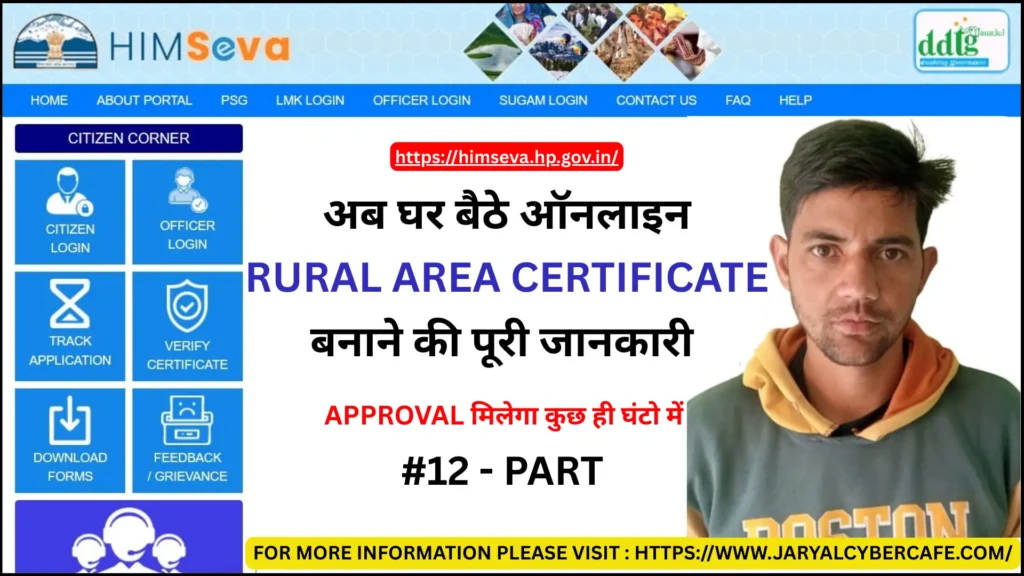
A Rural Area Certificate in Himachal Pradesh is an official document that certifies that an individual resides in a rural area. This certificate is crucial for accessing government jobs, educational reservations, scholarships, and other welfare schemes specifically meant for residents of rural areas.
In this guide, you will learn the complete application process, eligibility criteria, required documents, fees, processing time, and tips to avoid mistakes while applying for a Rural Area Certificate.
What is a Rural Area Certificate?
A Rural Area Certificate is issued by the government authority to verify that a person lives in a rural area. It serves as official proof to avail benefits and reservations for rural residents in employment, education, and government welfare schemes.
The certificate is issued after verification of submitted documents by local authorities.
When is a Rural Area Certificate Required?
You may need a Rural Area Certificate in the following situations:
- Applying for government or private jobs with rural area reservation
- Admission in schools, colleges, or universities with rural quotas
- Eligibility for scholarships and financial assistance
- Participation in government welfare schemes
- Verification for land, property, or development-related benefits
Eligibility Criteria
To apply for a Rural Area Certificate in Himachal Pradesh, applicants must:
- Be a permanent resident of Himachal Pradesh
- Reside in a rural area recognized by the government
- Possess valid identity and address proof
- Submit accurate personal and residence details
Required Documents
Before applying, keep the following documents ready:
- Aadhaar Card
- Passport-size photograph
- Address proof (ration card, electricity bill, voter ID, etc.)
- Identity proof (Voter ID, Driving License, etc.)
- Proof of residence in a rural area (local authority certificate, land records, or official declaration)
Important Tip:
Ensure all documents are clear, valid, and consistent with official records to avoid rejection.
Online Application Process (Step-by-Step)
- Visit the official Himachal Pradesh eDistrict portal
- Register as a new user or log in
- Select the “Rural Area Certificate” service
- Fill out the application form with accurate personal details
- Upload all required documents
- Pay the applicable application fee online (if required)
- Submit the application and save the reference number
Tip: Always double-check all details before submission to prevent delays.
Offline Application Process
If you prefer offline application:
- Visit a nearby Common Service Center (CSC)
- Submit all necessary documents to the operator
- The operator will submit the application on your behalf
Application Fees
- Application Fee: ₹20 – ₹50 (approx.)
- Service Charges (if applicable): ₹20 – ₹30
Note: Fees may vary slightly depending on the service center.
Processing Time
The Rural Area Certificate is usually issued within 7 to 15 working days.
Delays may occur due to:
- Verification of residence documents
- Incomplete or incorrect information
- Administrative workload
Verification Process
After submission:
- The application is reviewed by the concerned authority
- Submitted documents and residence details are verified
- Local authority verification may be conducted if required
- Upon successful verification, the certificate is issued
Common Mistakes to Avoid
- Providing incorrect personal or residence details
- Uploading unclear or incomplete documents
- Mismatch with official records
- Not reviewing the application before submission
Tip: Carefully verify all details and documents before applying.
How to Check Application Status
- Visit the official eDistrict portal
- Enter your application/reference number
- Click on “Track Status”
- View the current status of your application
How to Download the Certificate
- Log in to the portal
- Navigate to the “Issued Certificates” section
- Download your Rural Area Certificate in PDF format
Benefits of a Rural Area Certificate
- Provides proof of residence in a rural area
- Required for government job applications under rural quotas
- Necessary for educational admissions and scholarships
- Eligibility for welfare schemes and development benefits
- Official documentation for administrative purposes
Frequently Asked Questions (FAQs)
Q1. How long does it take to get a Rural Area Certificate?
It usually takes 7–15 working days.
Q2. Can I apply offline?
Yes, through a CSC or authorized center.
Q3. What documents are mandatory?
Aadhaar Card, proof of residence, passport-size photo, and address proof.
Q4. What if my application is rejected?
Check for errors, correct them, and reapply.
Q5. Can I download the certificate online?
Yes, it can be downloaded in PDF format after approval.
Conclusion
Applying for a Rural Area Certificate in Himachal Pradesh is simple if accurate details and documents are submitted. Most delays occur due to minor mistakes, which can easily be avoided by careful verification.
By following this guide, applicants can complete the process smoothly and obtain their certificate without unnecessary delays.
Disclaimer
This article is for informational purposes only. Rules and procedures may change over time. Always verify details from the official Himachal Pradesh government portal before applying.
About the Author
Sanjay Jaryal has extensive experience assisting users with online government services and digital applications. He focuses on helping people complete official processes accurately and efficiently.